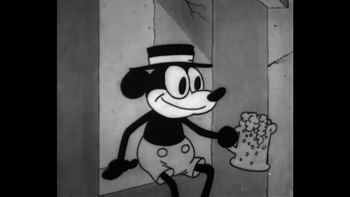
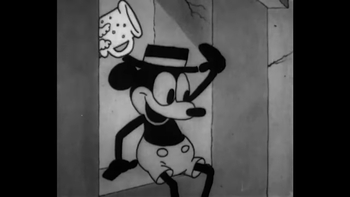
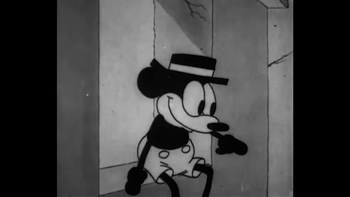
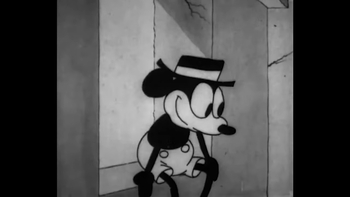
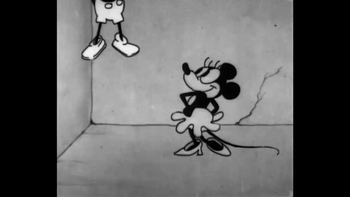
Lend your voice to the movies! Guided by a rythmo band — the scrolling strip invented in French studios in the 1950s — dub short film extracts in sync with the actors' lips, then export your version.
Instructions
1. Pick an extract
Select a film extract to dub. For each extract, the interface has the picture, the original soundtrack, the "international version" (music and effects, without the voices) and the dialogue text synchronized word by word.
2. Rehearse with the rythmo band
Below the picture scrolls the rythmo band: the dialogue moves from right to left, and each word must be spoken exactly when it crosses the red bar. Words are stretched or compressed to match the time you have to say them — exactly as in professional dubbing studios, where this technique has been in use since the 1950s.
Each character has its own color. Listen to the V.O. first to soak up the original performance, then switch to the voiceless mode to rehearse over the music and effects. Use Space to start or stop playback, ← → to navigate, or click directly on the band.
3. Record your take
Share the characters around the microphone, like on a real dubbing stage! Click Record a take: playback restarts from the beginning with the music and effects, and the microphone captures your voices. The take stops at the end of the extract (or with Space).
Listen back in dubbed mode, and start over as many times as needed — each new take replaces the previous one.
4. Export your dub
Click Export the dub: the interface mixes your voices with the original music and effects, and downloads the dubbed extract as an MP4. Post-sync is yours!
Equipment
To run this workshop, you will need:
- a computer
- a microphone (the computer's built-in mic can do, a USB mic will give better results)
- ideally, headphones for the voice actor, so the microphone doesn't pick up the soundtrack